
How to root the Galaxy S6
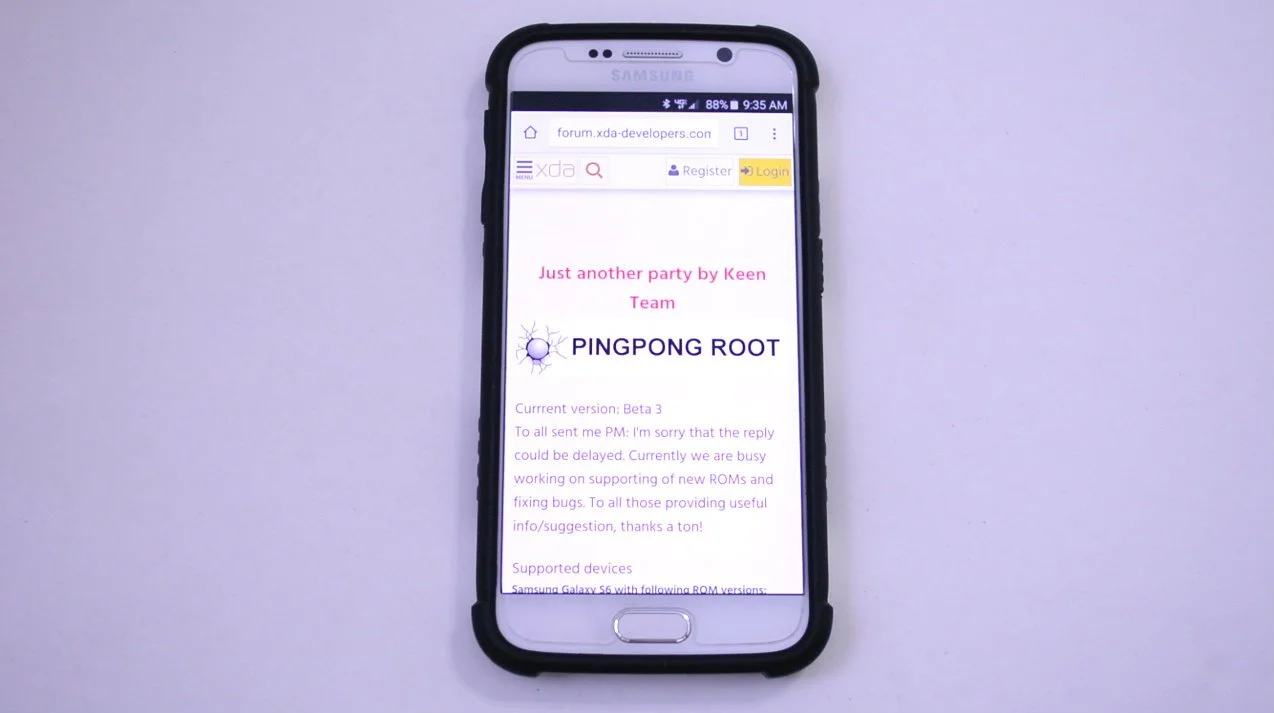
Great news for those who want to root their Galaxy S6. There is a new root method called PingPong Root which happens to be a one-click root method and does not require a computer. This is a super easy way to root the Galaxy S6. Most of all this works on Verizon devices! Many Verizon users were not expecting root access on the GS6 at all making this a huge deal! If you are looking to get your Galaxy S6 rooted follow the guide below.First of all, make sure you backup any files you need backed up and know you proceed at your own risk. But don't let that scare you because PingPong is very simple to install and I experienced no issues at all throughout the process.Steps To Get Root:
- Head over to XDA to download PingPong Root here and look for the latest version to download
- Download a file manager app that can unzip files on your phone. I used ES File Explorer - Play Store link
- Download the party file at the bottom of the post, extract the zip, and open the apk file
- Once PingPong is open simply select "Get Root" and let it do work
- It will ask you to reboot the phone after the program runs and is complete
- Reboot the phone - hold the power button, select reboot, and press reboot
- After rebooting the phone find the Kinguser app and open it
- The app will show it is successfully rooted
- Download Root Checker from the Play Store - link
- Select "Verify Root"
- You should see that your phone is rooted
- Congrats! You have root access!