
The shot I wanted from the HOVERAir X1 PROMAX was simple. I wanted to move through a scene and stay in frame without asking someone else to hold the camera. This pocket-sized 8K flying camera gave me several ways to get that shot, and two modes stood out enough that I’d use them again.
My verdict: The X1 PROMAX is worth considering if you regularly film yourself outdoors and want moving shots you’d struggle to get with a tripod. Tracking and Dolly Track were the most useful modes in my test. I’d be more selective about where I use Zoom Out. One of my attempts ended with the drone stuck in a tree.
Watch my full HOVERAir X1 PROMAX review and see the footage
Disclosure: HOVERAir sponsored this review and provided the X1 PROMAX. If you buy through my link, I may earn a commission at no additional cost to you.
Check the current HOVERAir X1 PROMAX price and bundles
How well does the HOVERAir X1 PROMAX film you hands-free?
Tracking was the mode I’d reach for first when I wanted the camera to follow me through a scene. It gives you a moving shot while you focus on what you’re doing. If you normally set up a tripod, walk into frame, and walk back to check the clip, you can see the appeal.
Dolly Track was my other favorite. I’d use it when the camera movement itself matters, like an intro where I’m moving through a location and want the shot to move with me. Watch the two modes back to back in the review. That’s the easiest way to decide which look you’d use in your own videos.
Zoom Out was my pick for a wide reveal. It lets you start with the subject and show more of the surroundings as the shot opens up. Spiral gave me another way to frame a hero shot when I wanted more movement around the subject.
What palm takeoff and landing are like
Palm takeoff is one of the clearest reasons to consider a flying camera like this. In the review, I show the X1 PROMAX launching from my hand and returning for a palm landing. Seeing the whole sequence gives you a better sense of how it fits into a solo shoot than looking at the finished aerial clip alone.
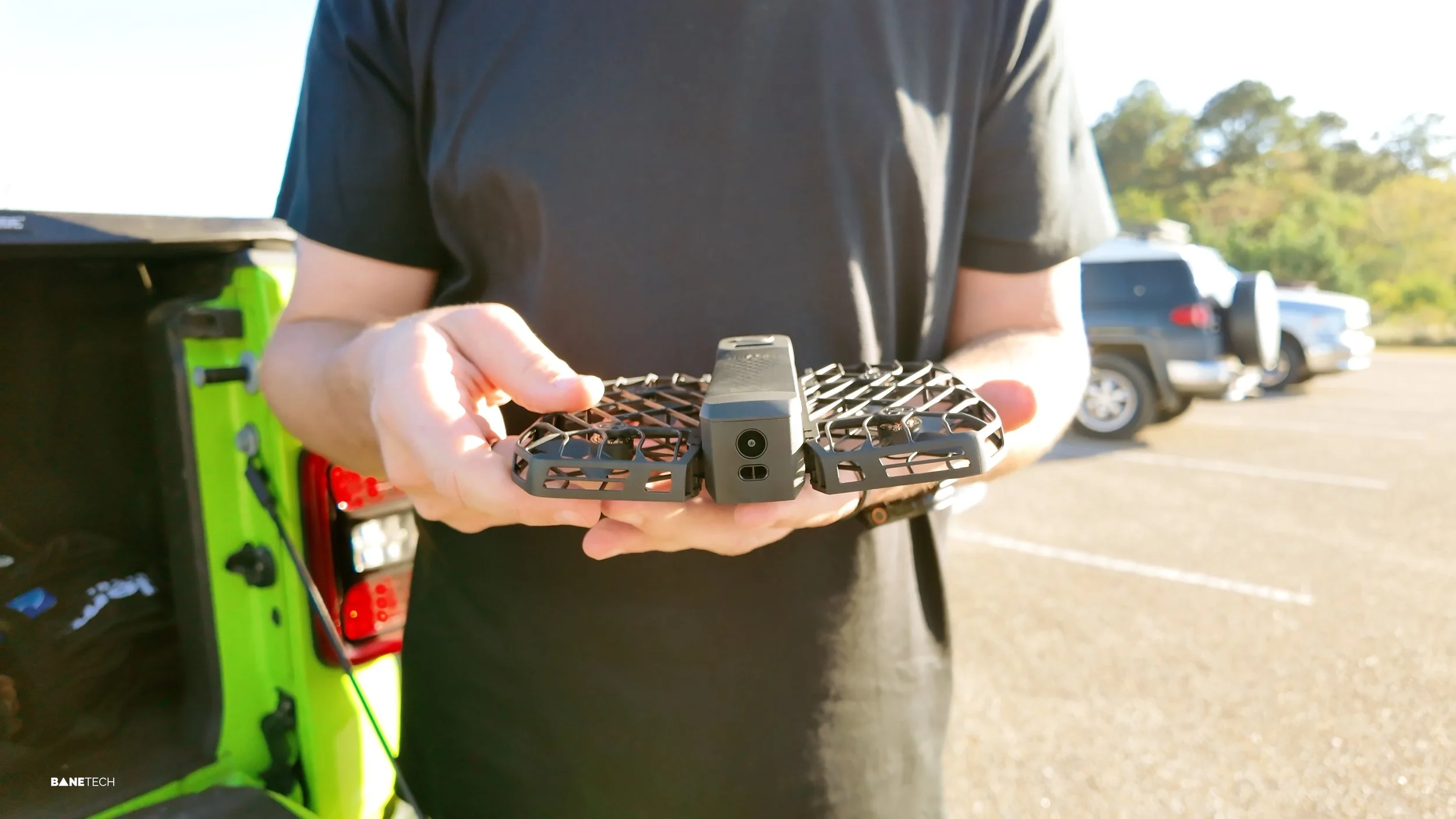
I’d give each shot some room, especially in the modes where the camera moves away from you. Look at the full path the drone will travel before starting the shot.
Does the X1 PROMAX avoid obstacles?
The X1 PROMAX has built-in rear collision detection. Think of that as help in one direction. During a Zoom Out test, my drone still got stuck in a tree.
That experience changed where I’d use the mode. I’d save the wide reveals for open areas where I can see the path behind the drone. If your usual filming spots have branches, walls, or other tight surroundings, this is the part of the review I’d watch before buying.
How does the footage fit into a solo video workflow?
The PROMAX records up to 8K, but the feature I’d pay for is the ability to get a moving angle while I’m also the person in the shot. In the video, I show what the footage looks like and how I transfer and edit the clips. Pay attention to the framing and the way the camera moves through the scene. Those are the differences you’ll see every time you cut one of these shots into a video.
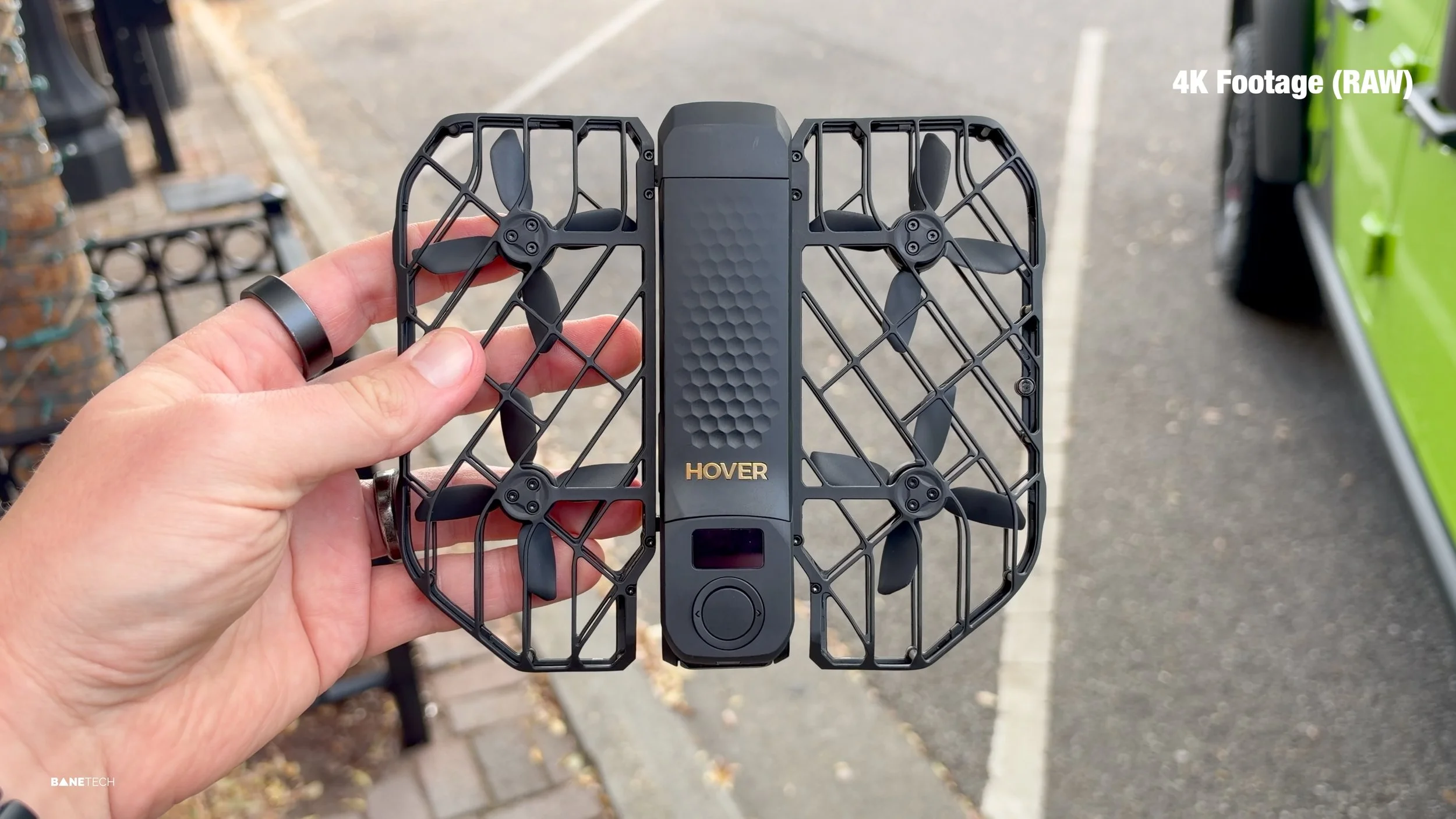
I also tried recording audio with my phone and AirPods. The drone-noise reduction impressed me. I’d still like more natural voice processing and a live audio meter so I can see what I’m getting as I record.
Is the HOVERAir X1 PROMAX worth buying?
I’d buy it for repeatable solo shots. If you make travel videos, gear reviews, or outdoor videos and keep running into shots that need a second person, Tracking and Dolly Track give you something you can use across many shoots. The pocket-sized design and palm launch make it easier to bring along for those moments.
If you mostly film in tight spaces or only need the occasional wide reveal, I’d weigh how often you’d use it. Start with the footage in the review and pick out two shots you’d actually want in your next video. That’ll tell you more about its value to you than the resolution on the box.
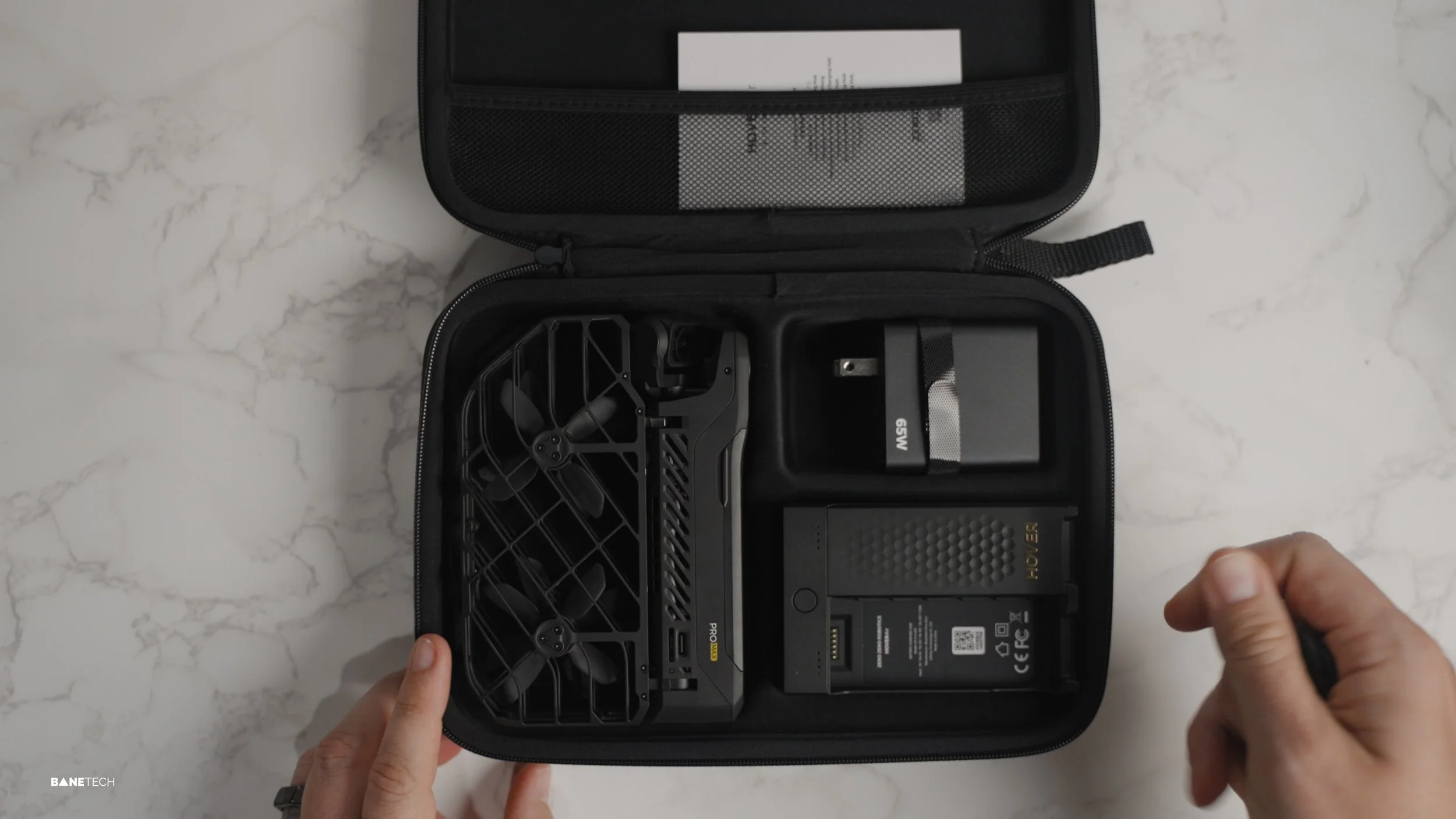
See the HOVERAir X1 PROMAX and compare bundle options
HOVERAir X1 PROMAX FAQ
Can the HOVERAir X1 PROMAX follow you automatically?
Yes. I used Tracking to let the camera follow me and Dolly Track to get a different style of moving shot. Both are shown in the review.
Can the HOVERAir X1 PROMAX take off from your hand?
Yes. I demonstrate palm takeoff and palm landing in the full video.
Does the HOVERAir X1 PROMAX shoot 8K?
Yes. The X1 PROMAX supports up to 8K video. The separate X1 PRO model tops out at 4K. If you’re shopping on the shared product page, check that you have the X1 PROMAX selected. HOVERAir X1 PRO and PROMAX product page