Enable Sharing Photo Library With Facebook App iOS 6
This guide demonstrates how to enable sharing photos from your Photo Library on your iDevice with iOS 6 on the Facebook Application. By default iOS 6 sets the option to share your Photo Library with your Facebook App. Steps:
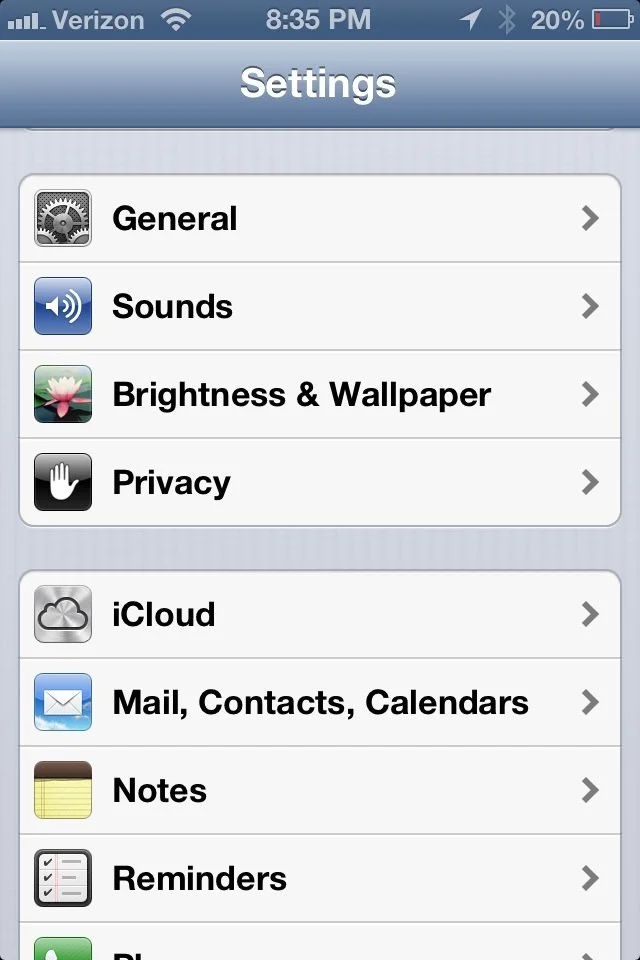
- Find the Settings App on the iDevice.
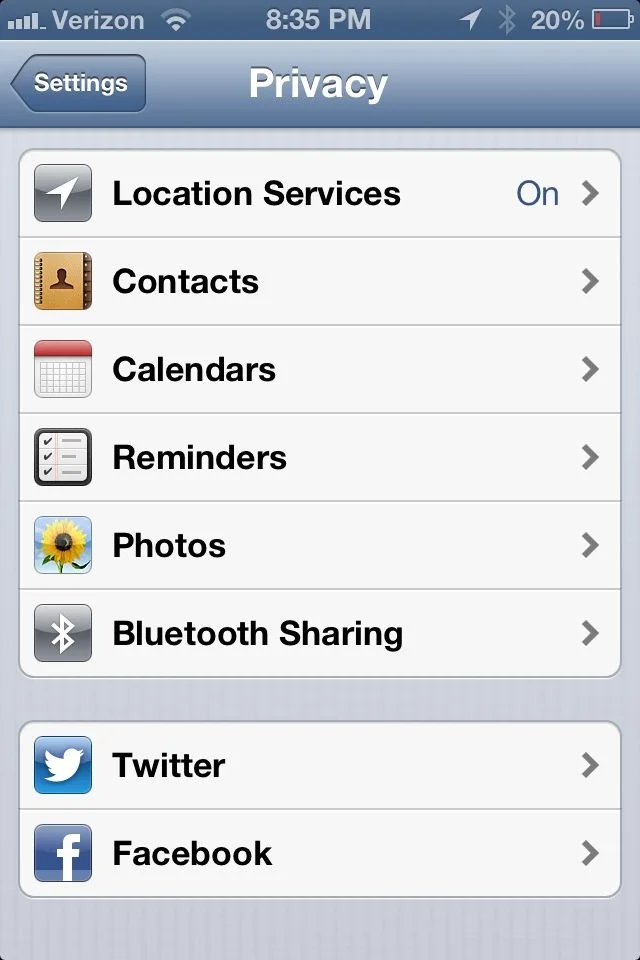
- Within Settings, find the Privacy Tab.
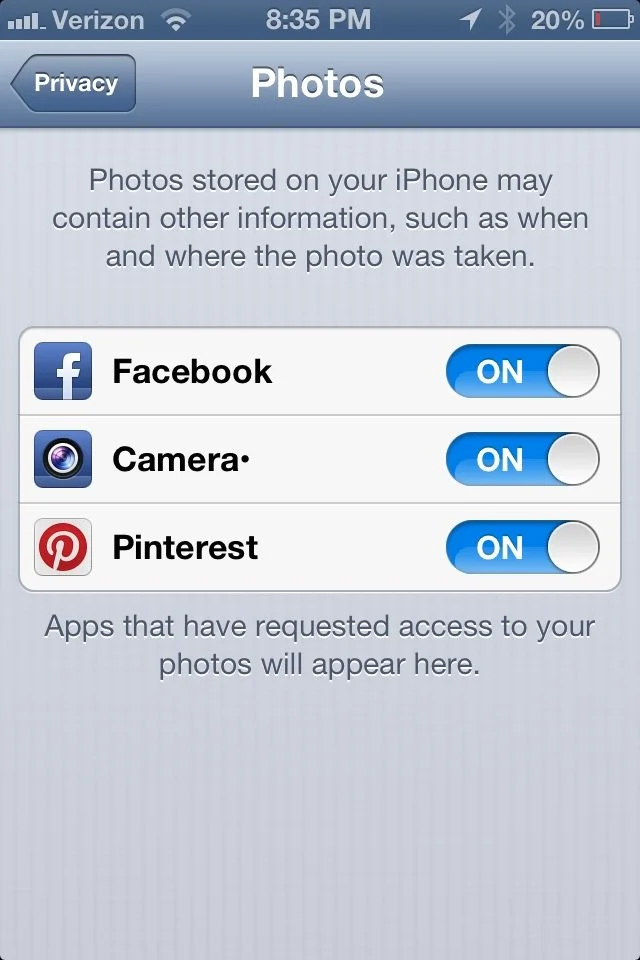
- Within the Privacy Settings find the Photo option.
- Within the Photo option, set the Facebook button to "ON."
- Go to the Facebook App.
- Click the Photo Sharing option and choose which Photo to share.
To learn how to share photos from any album on the device please follow this link.