
How to access Moto 360 bootloader
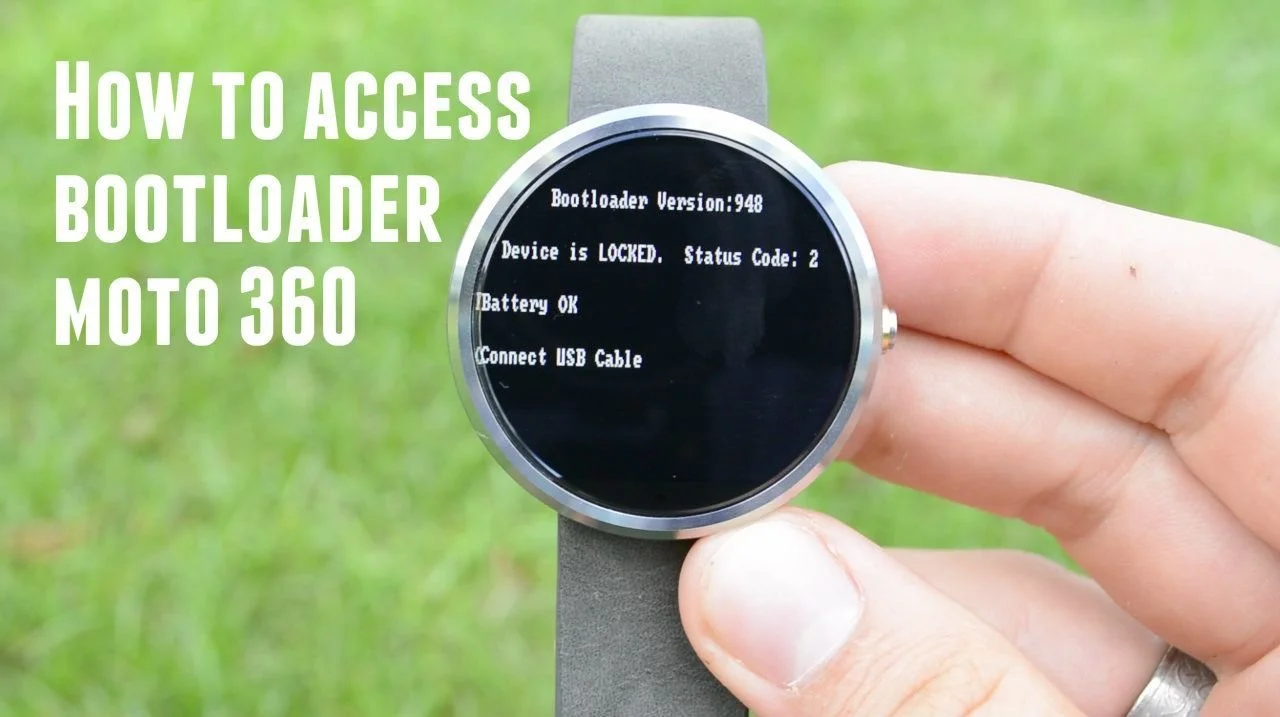
 Here is a quick and simple tutorial of how to access the bootloader on the Moto 360 smartwatch.Follow these steps to access the bootloader:
- Power down the device
- Hold the power button
- You will feel one vibrate (which is the intial power up vibrate) + two vibrates (this is the indicator you are accessing the bootloader)
- Once the total of three vibrates happen you can let go of the power button
- After letting go of the button you will see the bootloader screen
Congrats, you have now accessed the bootloader.To return to the main screen simply hold the power button for a second or two and the watch will boot back up like normal.